Login and Sign up
Lintol is used in conjunction with platforms that host datasets. Logging into Lintol is done via authentication with one of these data hosting platforms. The most common integration is via CKAN
app.lintol.io
app.lintol.io provides an interface to set up and configure Lintol and how it validates data. It is accessed via a web browser by entering the following url - http://app.lintol.io.
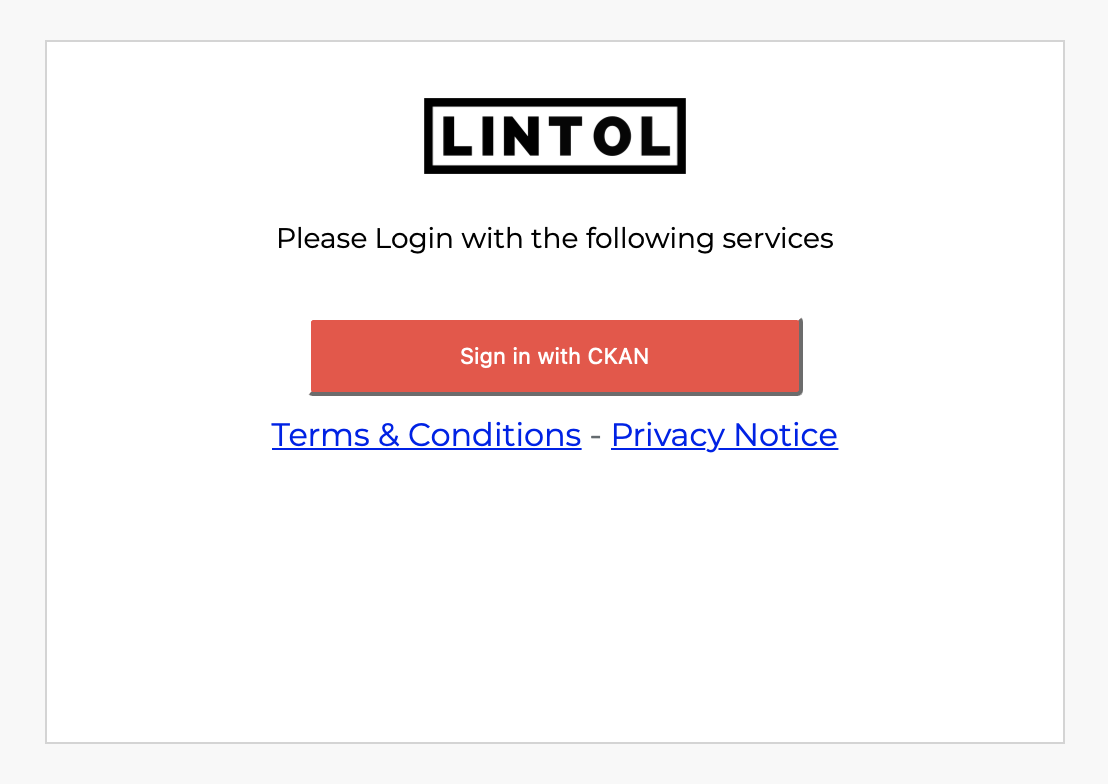
The first page presented to the user is the login page.
Logging in with CKAN
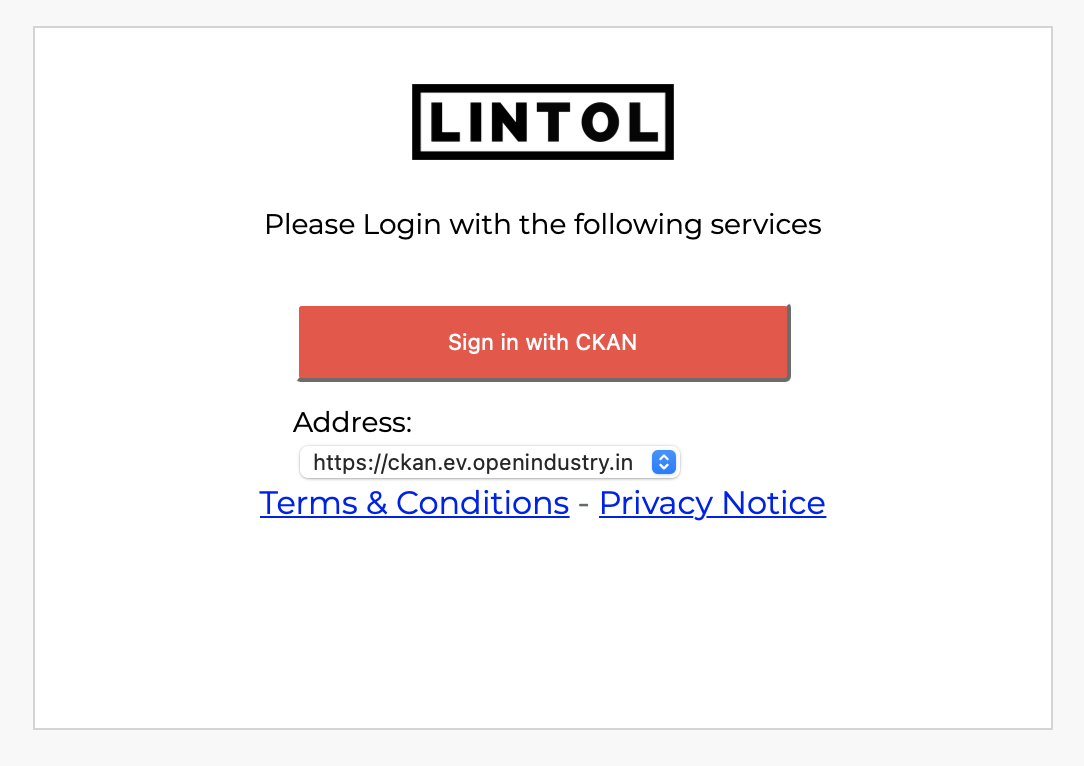
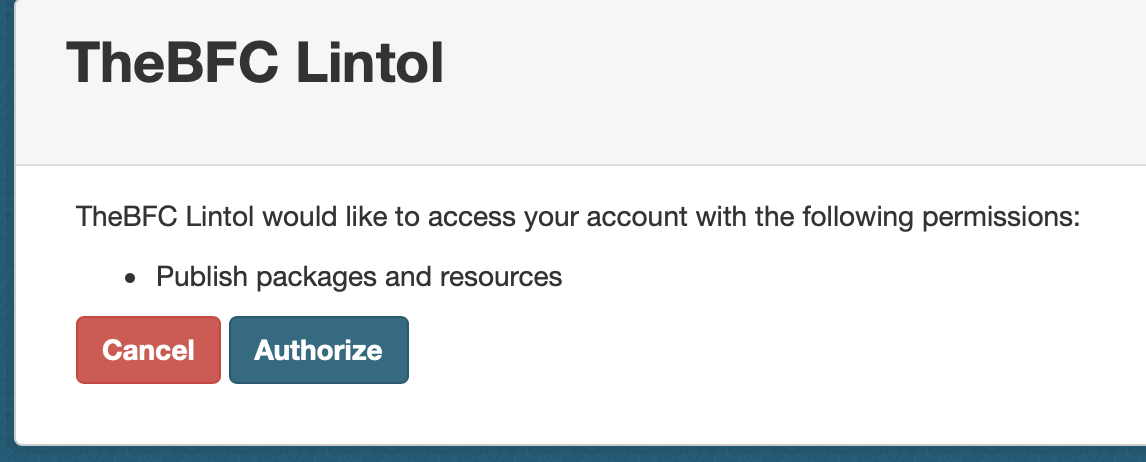
Login in via CKAN can be achieved by clicking on the ‘Sign in using CKAN’ button. This will display an input where the user can enter a URL for their CKAN instance. Once the user has entered the URL and clicked on the ‘Sign in using CKAN’ button they are redirected to their CKAN login page. Once the user has logged into CKAN a page will be displayed asking for authentication with Lintol. Clicking on the ‘Authorise’ button will authenticate the user and redirect them back to Lintol where they will be logged in.